Turn a Word document into a designed PowerPoint presentation
Upload a Word document (DOCX) and Wonderslide turns it into a designed PowerPoint presentation. Each section of the document becomes a slide in the same order, tables come back as editable PowerPoint tables, and long paragraphs are shortened to fit the slides. Download an editable PPTX on a paid plan or a PDF on the free plan.
Turn my document into slidesFree plan: 3 presentations a month, up to 10 slides, PDF download.

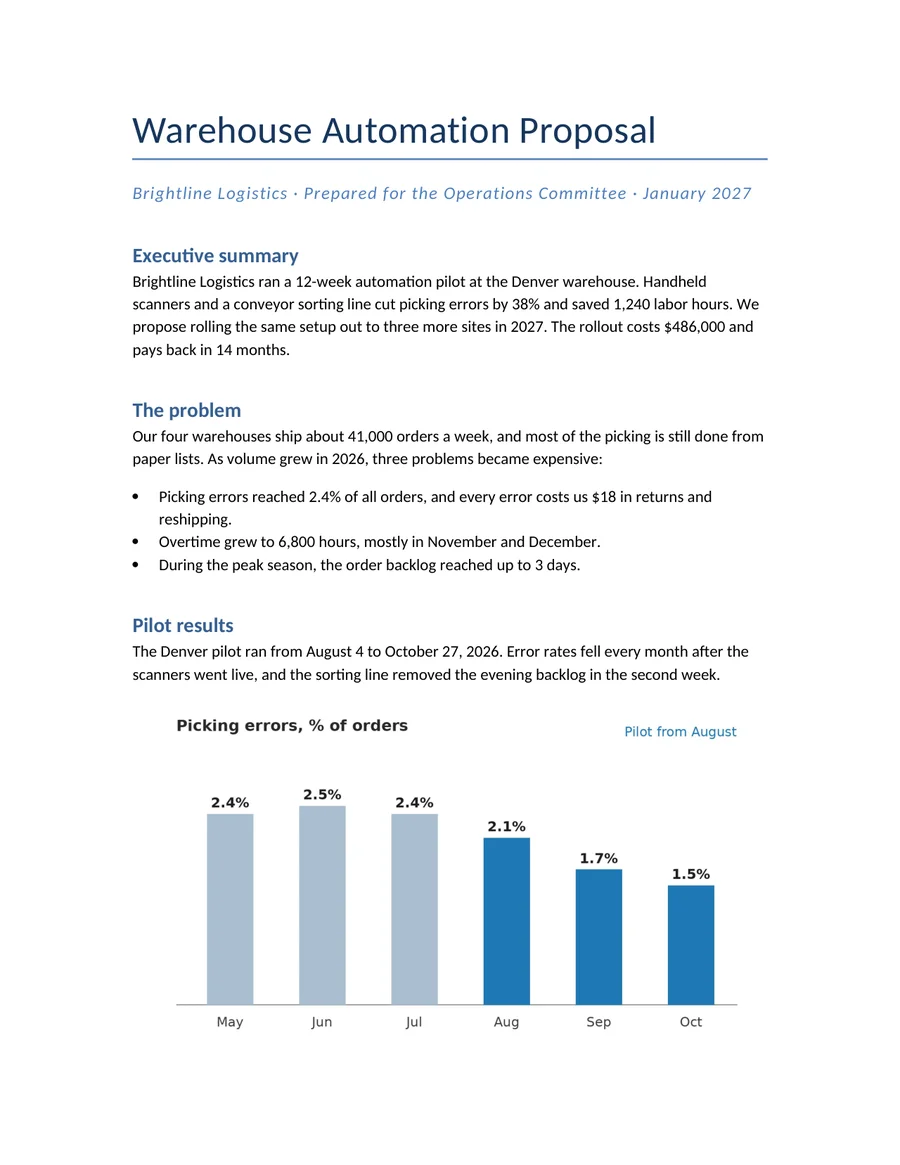
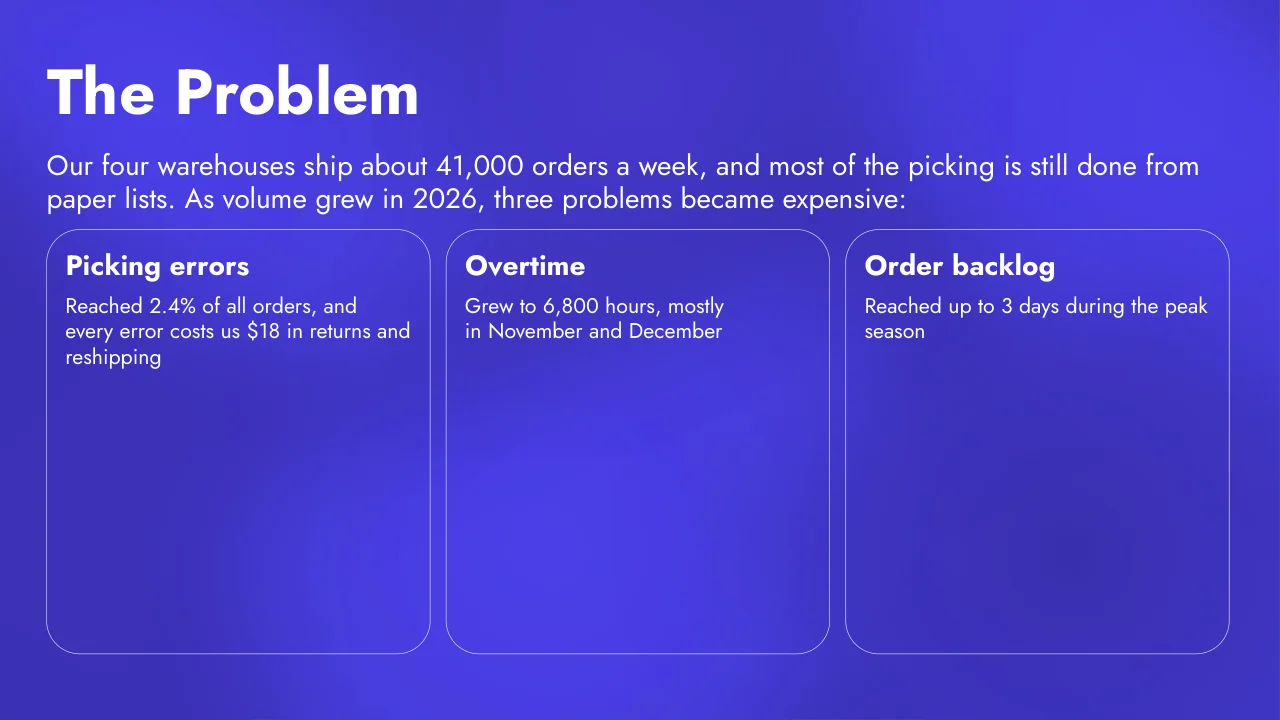
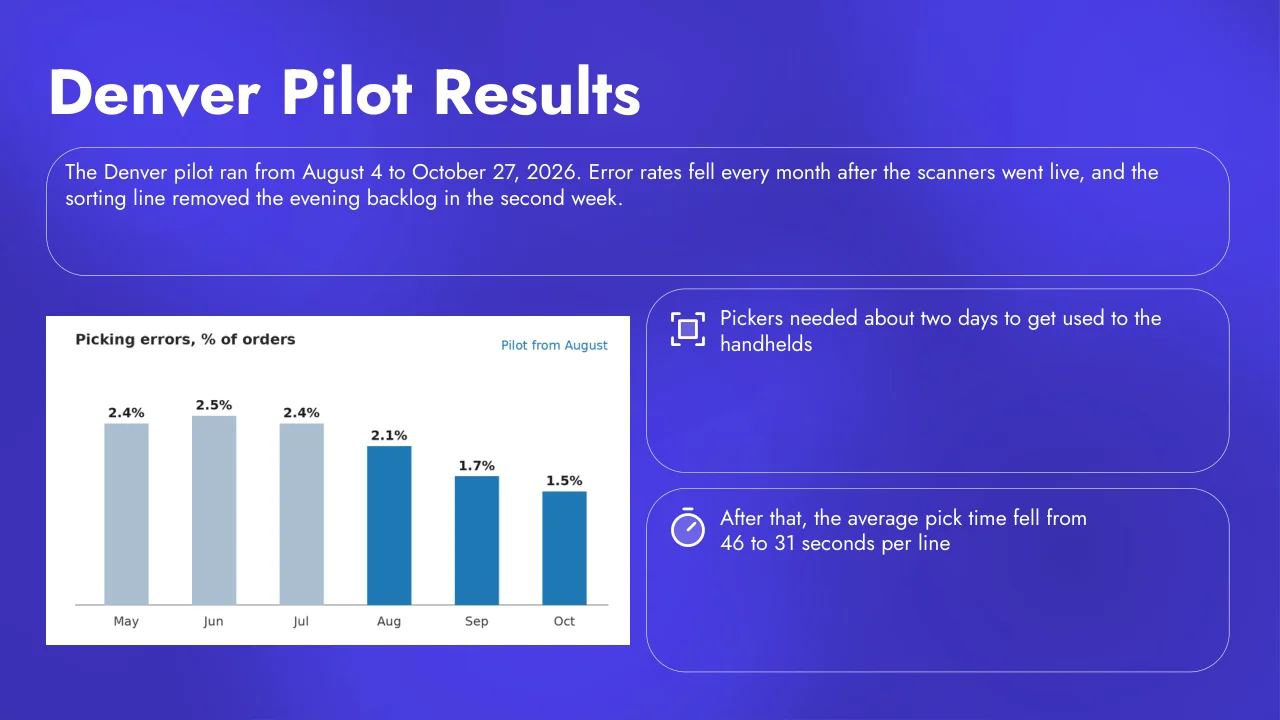
A Word proposal turned into slides by Wonderslide
What moved to the slides
Page 1 of a 2-page Word proposal and the slides Wonderslide made from it. The whole document became 7 slides in the order of its sections. The 38% drop in errors, the 1,240 saved hours and the pilot graph moved to the slides, and the budget table came back as an editable table with all six amounts. Tested on .
Download the example
How do I convert a Word document to PowerPoint with AI?
With Wonderslide, you turn a Word document into a PowerPoint presentation in three steps, without a template and without copying text onto slides by hand.

1. Upload your document
Drop a DOCX file into the Wonderslide chat. Wonderslide also accepts PDF, Markdown, TXT and Excel files, up to 50 MB each.
2. Answer one question
A short message is enough, for example "Turn this document into a presentation". Wonderslide then asks how to build the deck: the recommended option lays out the whole document. For a long document, it also asks how many slides you want.
3. Download your deck
Wonderslide designs every slide in one style. Download an editable PPTX on a paid plan or a PDF on the free plan.
What Wonderslide takes from your Word document
Wonderslide reads the structure of your document, not only its text. Here is what happened to each part of a Word file in our test.
| In your document | In the presentation |
|---|---|
| Headings | Each section becomes a slide, in the same order. Headings become slide titles. Short neighboring sections may share one slide |
| Bold lines used as headings, without Word heading styles | Recognized as sections too |
| Paragraphs | Laid out on slides. About half of the sentences stayed word for word, long paragraphs were shortened |
| Bulleted and numbered lists | Turned into cards, steps or a timeline |
| Tables | Editable PowerPoint tables with every number |
| Key numbers in the text | Kept on the slides |
| Images | Can be placed on a slide. Wonderslide also adds its own photos |
| Footnotes | Not carried over |
| Equations | Not shown as equations. Numbers from a worked example stay in the text |
| Headers, footers, page numbers | Left out of the slides |
Headings
Each section becomes a slide, in the same order. Headings become slide titles. Short neighboring sections may share one slide
Bold lines used as headings, without Word heading styles
Recognized as sections too
Paragraphs
Laid out on slides. About half of the sentences stayed word for word, long paragraphs were shortened
Bulleted and numbered lists
Turned into cards, steps or a timeline
Tables
Editable PowerPoint tables with every number
Key numbers in the text
Kept on the slides
Images
Can be placed on a slide. Wonderslide also adds its own photos
Footnotes
Not carried over
Equations
Not shown as equations. Numbers from a worked example stay in the text
Headers, footers, page numbers
Left out of the slides
Checked on on 7 files: 5 Word documents from 1 to 22 pages, a Markdown file and an Excel workbook.
How the slides differ from your document
Wonderslide lays out a document on slides instead of copying it page by page. Check these cases before you upload.

The text gets shorter
Wonderslide shortens long paragraphs into points that fit a slide. Word-for-word keeping currently works only for an uploaded PowerPoint file (PPTX).
Long documents are condensed
Wonderslide asks how long the deck should be. In our test, a 22-page report became 9 slides with the shortest option, so choose a longer deck to keep more detail.
Free plan: up to 10 slides
Paid plans and one-time purchases have no slide limit.
Footnotes and equations
Wonderslide doesn't move footnote text to the slides and doesn't show equations as equations. Add them to the PPTX after download if you need them.
Frequently asked questions
Does it keep my text?
How many pages can I upload?
Can I get an editable PPTX?
Does it work with Google Docs and Markdown?
Is it free?
What about Excel tables?
How long does it take?
Can I upload a PDF?
Turn your Word document into a presentation
Upload a DOCX file, and Wonderslide lays it out on designed slides. Download an editable PPTX on a paid plan or a PDF on the free plan.