Redesign an existing PowerPoint
By default Wonderslide keeps your text and slide order and changes only the design. Upload a PowerPoint file, and Wonderslide rebuilds every slide in one consistent style. If you want the text shortened or rewritten, say so in your first message. Download the result as an editable PPTX on a paid plan or as a PDF on the free plan.
Redesign my presentationFree plan: 3 presentations a month, up to 10 slides, PDF download.

A marketing plan redesigned by Wonderslide
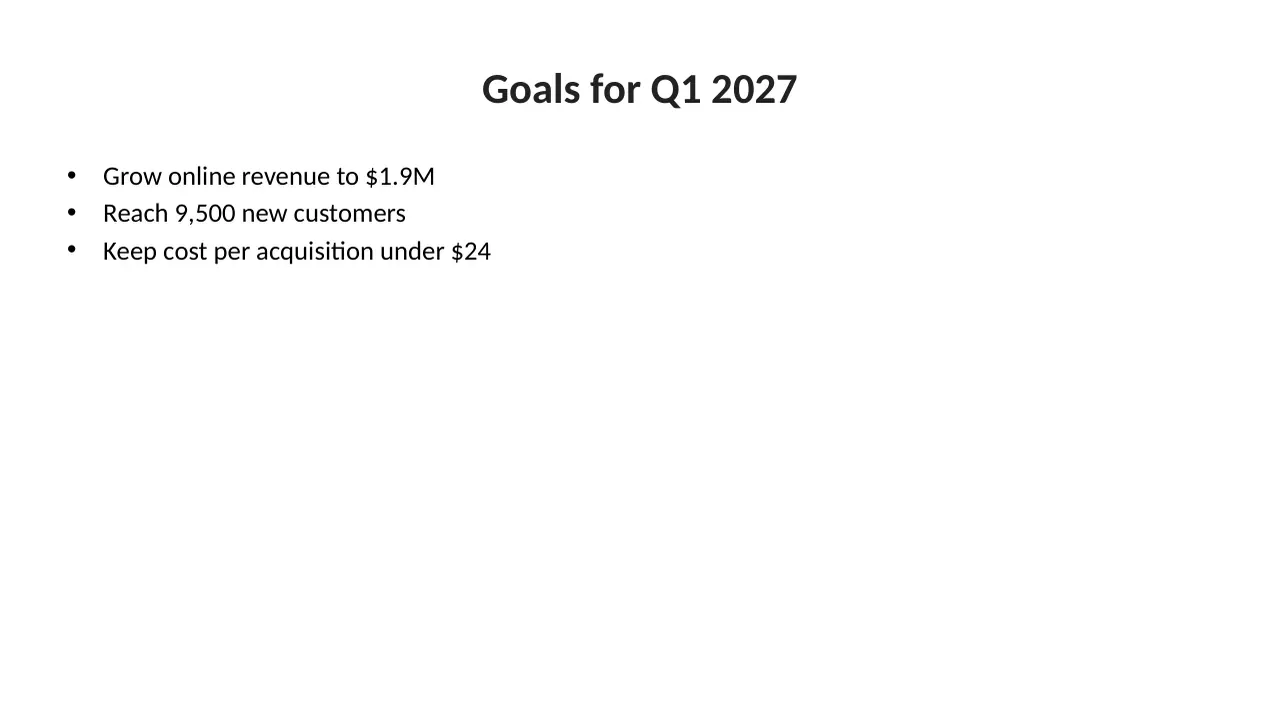
What stayed
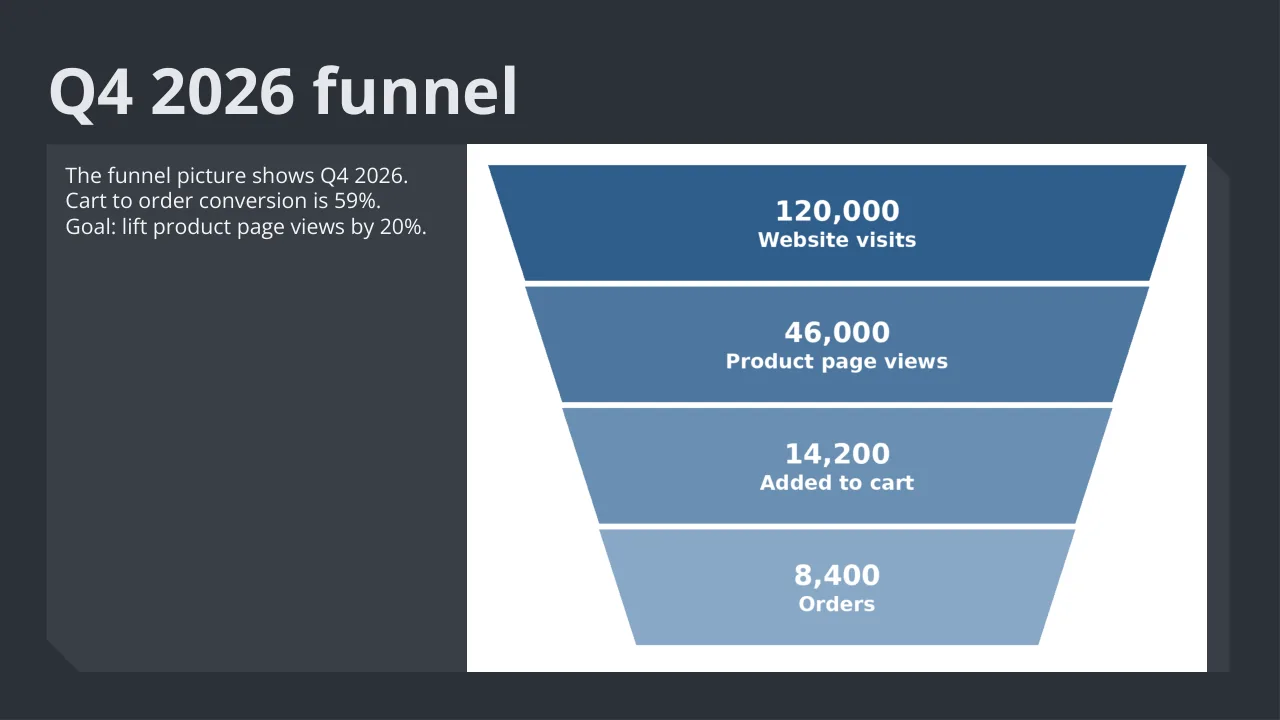
A 6-slide marketing plan before and after Wonderslide. Every word and number of the original stayed in the redesigned deck: 6 of 6 slides, in the same order, with the $1.9M revenue goal, 9,500 new customers and the $24 cost per acquisition unchanged. Tested on .
Download the example
How do I redesign an existing PowerPoint with AI?
With Wonderslide, you redesign an existing PowerPoint in three steps, without a template and without retyping your content.

1. Upload your presentation
Drop a PPTX file into the Wonderslide chat. Wonderslide also accepts PDF and Word files.
2. Tell Wonderslide what to do
A short message is enough, for example "Redesign this presentation". Your text and slide order stay as they are. To shorten or rewrite the text, ask for it in this first message.
3. Download your deck
Wonderslide builds the presentation in about 2 minutes on average. Download an editable PPTX on a paid plan or a PDF on the free plan.
What Wonderslide keeps and what it changes
Wonderslide works in two ways with an uploaded presentation. By default it keeps your content and changes the design. If you ask, it also edits the text.
| In your file | By default | When you ask to rewrite |
|---|---|---|
| Text | Kept as written | Shortened or rewritten as you ask |
| Numbers in text and tables | Kept as written | Kept as written |
| Slide order | Kept | Kept |
| Slide titles | Kept | Kept |
| Tables | Kept as editable tables | Kept as tables |
| Pictures in your file | Kept as they are, text inside them is not changed | Kept as they are |
| Design: layouts, fonts, colors | New, one style across all slides | New, one style across all slides |
Text
Kept as written
Shortened or rewritten as you ask
Numbers in text and tables
Kept as written
Kept as written
Slide order
Kept
Kept
Slide titles
Kept
Kept
Tables
Kept as editable tables
Kept as tables
Pictures in your file
Kept as they are, text inside them is not changed
Kept as they are
Design: layouts, fonts, colors
New, one style across all slides
New, one style across all slides
Checked on on 10 PowerPoint files, from 5 to 14 slides each, including a Russian-language deck.
When Wonderslide may change more than the design
Wonderslide keeps your text by default, but some files and slides work differently. Check these cases before you upload.
Long files on the free plan
On the free plan, Wonderslide designs the first 10 slides of a longer file. Paid plans and one-time purchases have no slide limit.
Diagrams and overloaded slides
Slides with diagrams or with too much text may be rebuilt into a new layout.
Text inside pictures
Wonderslide doesn't edit text that is part of an image, such as a screenshot or a scanned page. The picture stays as it is.
PDF files
In a scanned PDF the text is part of the page image. Wonderslide places such pages as pictures, so their text can't be kept or edited. In a PDF with selectable text, a page that is mostly a picture may be left out.
Rewriting starts only on request
To change the text, ask in your first message. Otherwise Wonderslide keeps it.
Frequently asked questions
Will the AI rewrite my text?
Does Wonderslide keep my numbers and tables?
Can I get an editable PPTX?
Do I need a subscription?
Can I redesign only some slides?
Can I upload a PDF or a Word file?
How long does it take?
What if my presentation has more than 10 slides?
Redesign your presentation and keep your text
Upload a PowerPoint file. By default Wonderslide keeps your text and slide order and changes only the design.