Turning ideas into impactful presentations is a highly valued skill in our content-heavy world. If you’ve faced the challenge of transforming lengthy text documents into clean, engaging slides, you know it’s not a walk in the park. It’s a task that often eats up time and energy, especially if design isn’t your strong suit. An ai generated presentation can automate this process, allowing you to quickly turn your content into professional slides with minimal effort.
Thankfully, AI is stepping up to the plate, offering solutions that can automate and elevate this process. An ai presentation maker or ai slide generator can convert your text into slides instantly, streamlining the entire workflow.
AI-powered tools are revolutionizing how we create presentations by helping users convert plain text into visually appealing slides in mere minutes. These slides are automatically created, eliminating the need for manual design and formatting. These tools are especially valuable when you’re short of time but still want to impress your audience.
No more endless formatting, bullet-point writing, or slide-by-slide design. AI can now handle it all, freeing you up to focus on what really matters: your message. These tools create slides quickly and efficiently, making the process seamless.
With these advancements, an AI-powered presentation maker enables users to achieve stunning presentations instantly, transforming ideas into polished slide decks with ease.
The Rise of AI Tools for Presentations
AI tools that generate presentations from documents are gaining popularity and for a good reason. They can analyze your content, extract key points, and present them in a well-structured slide format with relevant visuals and consistent design. Many of these tools offer more features such as integration with popular platforms, customization through diverse templates, and export options to various formats.
Here are some of the tools that can help you get started:
1. MagicSlides
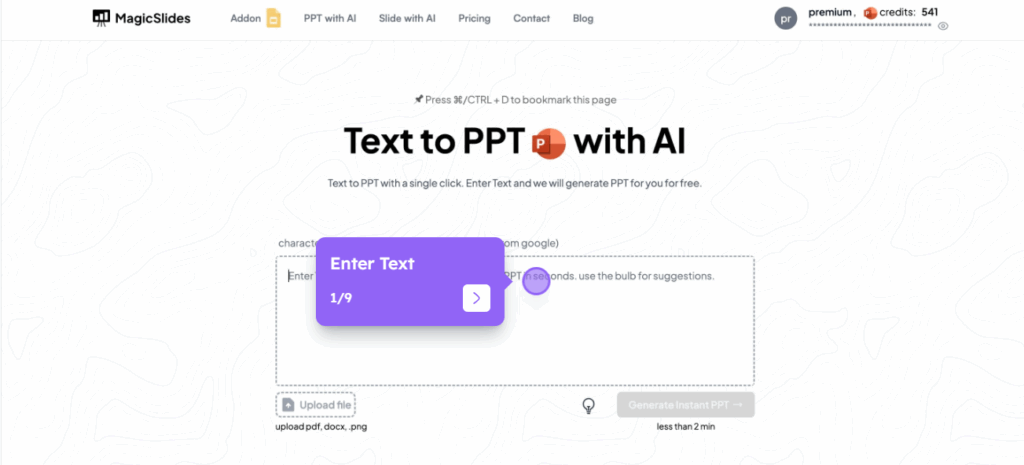
MagicSlides is an AI-powered tool specifically designed to convert text into PowerPoint presentations. It allows users to input a block of text or a topic and generates a complete slide deck that includes titles, bullet points, and suggested visuals.
MagicSlides is tightly integrated with Google Slides, which makes it convenient for users already working within the Google Workspace ecosystem. The tool helps maintain formatting, ensures logical flow, and saves time by automating slide creation. You can easily edit presentations and export them as Google Slides presentations or in PPTX format for compatibility with other platforms.
For example, if you paste in a section from a market research report, MagicSlides will identify the key insights and break them down into concise, presentation-ready slides, saving you from manually summarizing and formatting the content yourself.
2. Gamma.app
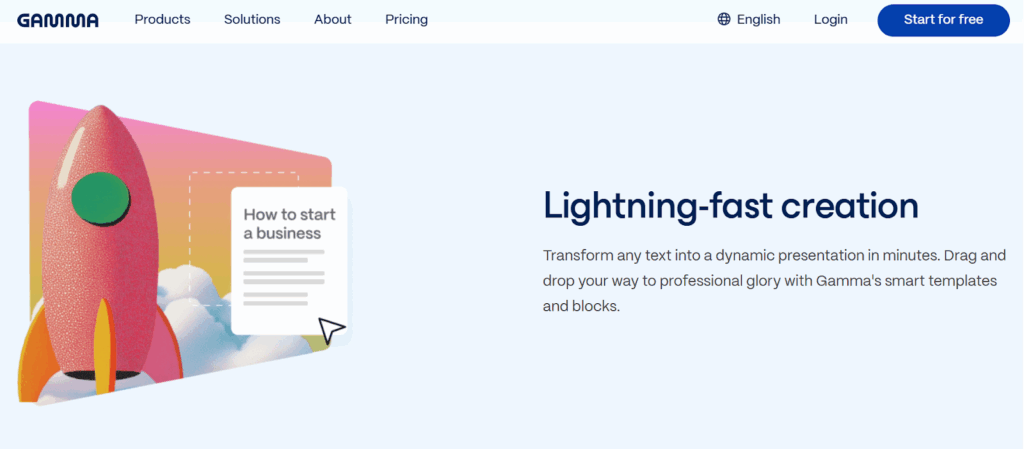
Gamma balances between document-style storytelling and visual presentation (read our guide on using AI for storytelling here).
You can input a written outline or copy-paste from a document, and Gamma will generate a slide-style format that looks modern and clean. Its interface is intuitive, making it a favorite for collaborative projects. Gamma also supports visual stories and offers diverse templates to suit different presentation needs.
3. Beautiful.ai
Beautiful.ai allows users to create polished presentations effortlessly. The platform uses smart templates and design automation to ensure consistency across all slides.
You input your content, and it handles the layout, formatting, and visual hierarchy. It’s especially helpful for users who don’t have a background in design but want to produce professional-looking decks. Beautiful.ai helps users create professional slides and provides a seamless experience, including export options to other formats for greater flexibility.
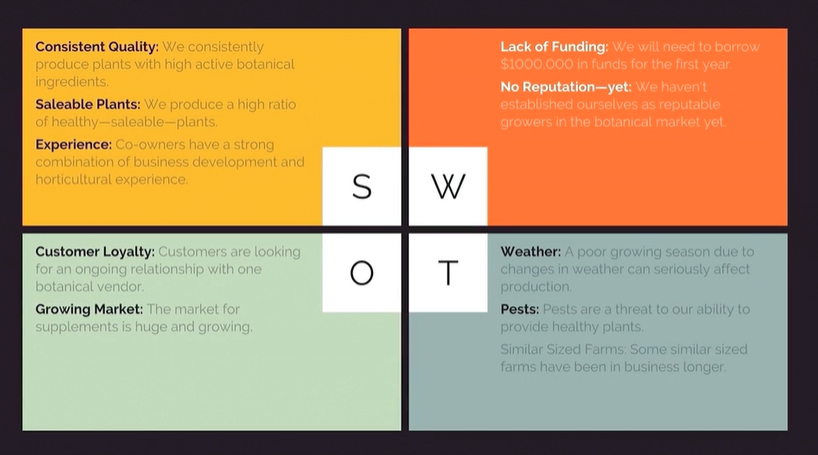
Here’s an example of a SWOT analysis slide generated from a text document by Beautiful.ai
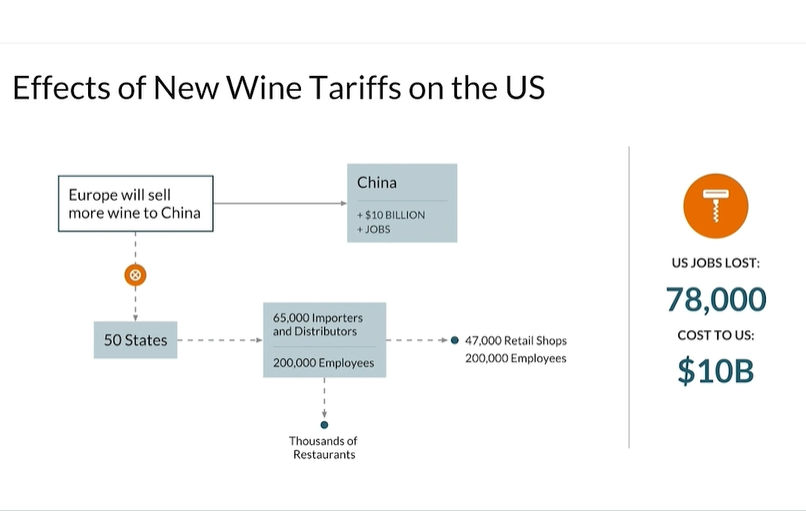
and a flowchart slide with statistical data.
4. Microsoft Copilot (PowerPoint)
Microsoft’s Copilot integration with PowerPoint is good for Office users. It allows you to take a Word document or even a rough prompt and turn it into a slide deck. It uses advanced AI to suggest slide content, images, layouts, and even speaker notes. Copilot is fully compatible with Microsoft PowerPoint and allows users to edit presentations easily within the familiar PowerPoint environment.
Here’s an example of a Copilot pitch deck.

[Deck]
Each of these tools offers a different experience. Some focus more on automation, others on storytelling, but all share one common goal: to make the slide-creation process faster and smarter. Some platforms, like SlidesAI, are free AI presentation maker options and offer free AI tools for users, supporting export to Google Slides, PowerPoint, PDF, PPTX, and other formats for maximum convenience.
In summary, these AI-powered tools streamline the process of turning documents into presentations. SlidesAI generates entire presentations automatically, leveraging AI to deliver instant, professional results with minimal effort.
Benefits of AI Generated Presentations
The integration of artificial intelligence into presentation creation has completely transformed how we make and deliver presentations. With the rise of the best AI presentation makers, anyone can now create stunning slides and professional presentations in just a few clicks—no advanced design skills or tedious slide creation required. These AI-powered tools are designed to save valuable time while elevating the quality and impact of your presentations.
One of the standout benefits of using an AI presentation generator is its remarkable ease of use. Tools like SlidesAI and Canva offer intuitive interfaces and advanced templates, making it possible to generate slides and create presentations instantly. Whether you’re a middle school teacher preparing a lesson, a marketer pitching new ideas, or a business professional crafting a report, you can produce polished slides and visually appealing presentations without the need for manual formatting or design expertise.
Speed is another major advantage. With AI generated presentations, you can create stunning presentations in seconds, not hours. The AI presentation tool automatically analyzes your content, organizes your ideas, and generates a complete presentation—freeing you from the repetitive tasks of slide creation and layout adjustment. This means you can focus on your message and key points, rather than getting bogged down in the details.
Customization is also at the heart of AI-powered presentation tools. You can fully customize your slides, adjust layouts, add your own images, and modify content to perfectly suit your audience and objectives. This flexibility ensures that every presentation generated is tailored, engaging, and effective.
AI presentation makers also help reduce the burden of tedious slide creation. By automating the process, these tools allow you to concentrate on developing your ideas and delivering a compelling story, rather than spending hours on formatting and design.
Enter Wonderslide: From Drafts to Stunning Presentations
While AI tools like MagicSlides, Gamma, and Copilot can help structure content and generate a first version of your presentation, the result often needs a visual upgrade. Layouts may look generic, visual hierarchy can be inconsistent, and the overall design may not align with your goals. Wonderslide helps users achieve a professional presentation look, ensuring your slides are polished and visually appealing.
This is where Wonderslide complements the process. It takes a rough presentation draft — whether created manually or with the help of AI — and applies a refined visual structure based on modern design principles. For users seeking high-quality results, Wonderslide stands out among the best ai presentation maker options by offering tailored layouts and professional results for teachers, students, freelancers, and business owners.
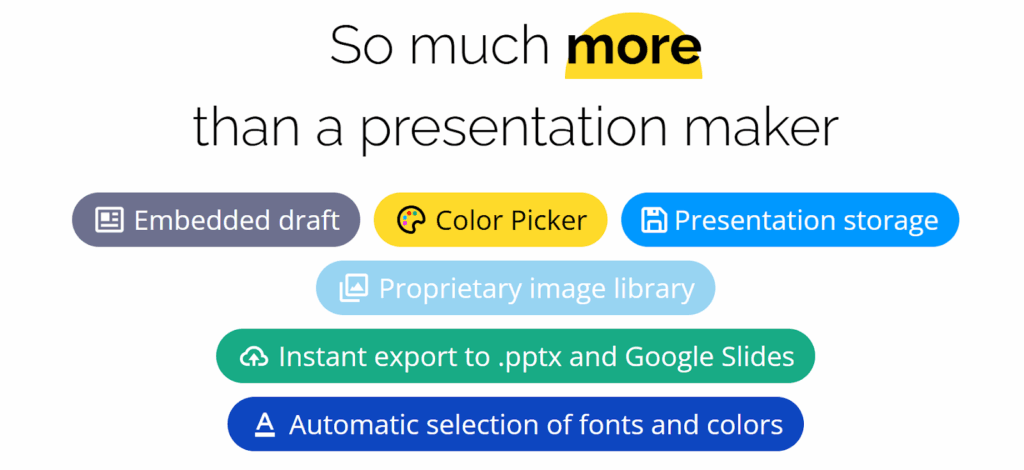
By uploading your PowerPoint file to Wonderslide, you receive a professionally formatted version in minutes. The tool enhances clarity, reinforces hierarchy, and adapts the look and feel to your preferred industry style — from tech and corporate to education or creative. You can also attach your logo to give the final deck a personalized touch. For example, in educational settings like Programming in Architecture, Wonderslide can also transform lecture notes into visually appealing slides for classroom presentations or training sessions.
Key Features of Wonderslide
- Design Enhancement: Wonderslide doesn’t just change a few fonts — it completely reimagines your slide deck based on design principles and makes your message clearer and more impactful.
- Designs with Style: Choose from a variety of design styles tailored for different industries, whether it’s corporate, tech, education, or creative.
- Consistency and Branding: You can upload brand assets like logos, fonts, and color palettes to ensure your final presentation is perfectly aligned with your brand.
- Speed and Simplicity: No design skills needed. Just upload your draft, select your preferences, and get a beautifully enhanced version in minutes.
Wonderslide works well in tandem with other AI tools.
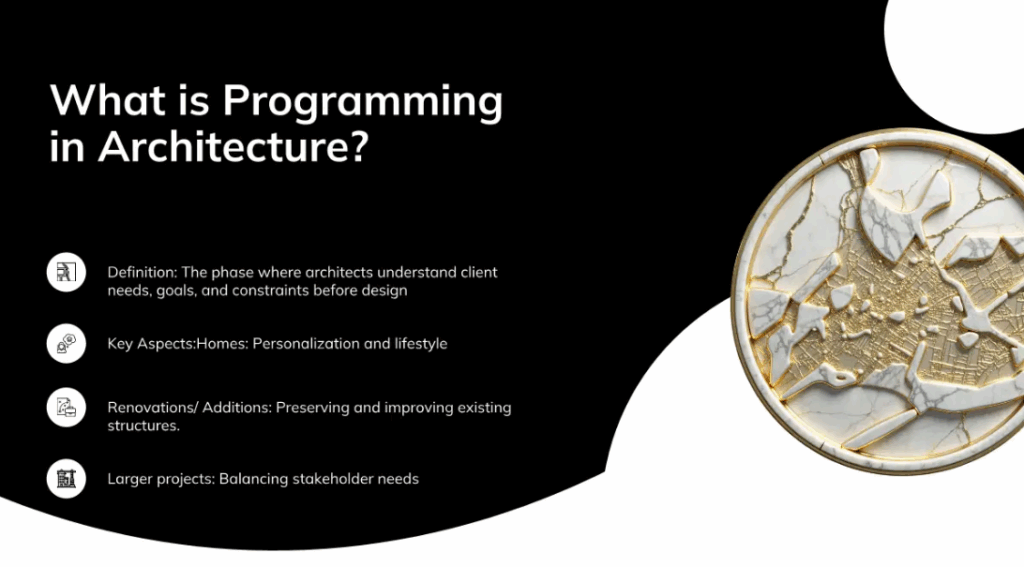
Imagine you’ve drafted a presentation on Programming in Architecture. You run it through a standard AI presentation tool — it breaks the text into slides, creating a basic structure. A useful first step, but the result still lacks visual clarity and design impact.
After uploading to Wonderslide, the presentation is transformed into something sleek, with impactful visuals and a layout that draws attention to the most important points.
Final Thoughts
The process of turning a text document into a compelling presentation no longer needs to be manual, time-consuming, or stressful. With the help of AI tools, you can quickly extract key insights and structure them into effective slide formats.
When it comes to design enhancement, Wonderslide takes your draft and turns it into a visually stunning, professional-grade presentation.
AI tools are democratizing access to high-quality presentation design. They can help anyone, from solo entrepreneurs to enterprise teams, communicate more effectively.
And don’t forget about the critical impact of the content. Read our article on the AI tools that will help generate compelling and engaging content for your presentation.
If you haven’t tried AI for presentation creation yet, now’s the perfect time. Start with your document, choose the right tool, and let AI handle the rest.