Are you a startup founder, an entrepreneur with a big idea, a head of a startup, an investor, or a leader in the startup ecosystem preparing for your next big pitch? One thing is clear: a well-crafted pitch deck is vital.
It’s your chance to tell a compelling story, communicate your vision, and convince your audience (investors, potential customers, or other stakeholders) to believe in your idea. These tools can also help spark new ideas and provide inspiration for crafting a winning pitch deck.
Creating a pitch deck from scratch is not a walk in the park. Designing visually appealing slides, writing persuasive content, organizing your thoughts — it’s a lot to juggle. AI, however, is changing the game and offering smart tools that simplify and streamline the entire process. An AI pitch deck builder or AI pitch deck creator can automate and accelerate the process, generating, customizing, and optimizing presentations quickly and efficiently. Many of these tools offer free trials or free versions, making them accessible to everyone.
In this article, we’ll explore how AI can help craft an excellent pitch deck, and which AI tools you can use to build a standout presentation. AI tools have the ability to transform complex, data-heavy slides into visually compelling and easily understandable presentations, helping you communicate your ideas more effectively.
What Makes a Great Pitch Deck?
A pitch deck is an opportunity. An opportunity to communicate your idea clearly and to convince your audience that it’s worth investing in. A strong pitch deck typically includes the following:
- Problem and Solution – What issue are you solving, and how?
- Unique Value Proposition (UVP) – What makes your product or service different?
- Market Opportunity – Who are your target customers, and how large is the market? Make sure to demonstrate your understanding of your industry and its trends.
- Business Model – How will you make money?
- Go-to-Market Strategy – How will you reach your audience?
- Traction – Any results, milestones, or user feedback?
- Team – Who’s behind the idea, and what expertise do they bring?
- Financials and Projections – Revenue models, costs, and expected growth
- Call to Action – What do you want from your audience —investment, partnership, feedback?
Tailor your pitch deck to your company’s current stage and the specific needs of an investor pitch deck. Using the right solutions can help you deliver a winning pitch deck. It’s also important to track feedback and progress as you refine your pitch deck.
A good pitch deck combines clear messaging with visual appeal. High-quality images can enhance storytelling and create visual impact, making your presentation more memorable. There is room for creativity in how you present your ideas, as long as you still meet investor expectations. While a professional designer can elevate the look and feel of your pitch deck through expert layout, font choices, and icon use, many tools like PowerPoint, Canva, or AI-generated images make it possible for anyone to achieve a polished result. It should be engaging, well-organized, and easy to follow — because investors often spend just a few minutes reviewing it.
How Can AI Help?
Want to try this on your own deck?
Creating a pitch deck involves multiple skills — design, writing, data presentation, and storytelling. That’s where AI-powered tools come in. They don’t just save time—they help elevate the quality of your presentation.
Here’s how AI contributes:
- Content generation – AI can suggest headlines, write summaries, or even generate full-slide content.
- Design automation – AI tools create sleek, on-brand layouts.
- Brand assets integration – AI can automatically incorporate your brand assets, such as logos, colors, and fonts, to ensure brand consistency throughout your presentation.
- Data visualization – Automatically generate charts, graphs, and infographics from raw data.
- Storytelling assistance – AI can guide your presentation structure and enhance flow.
- Connect content – AI tools can connect and pull content from various sources, like websites or documents, to streamline the creation process.
- Video integration – Some AI platforms support video, allowing you to embed or record video pitches directly within your presentation.
- Collaboration – Team members can leave comments and suggestions in real time, making it easy to collaborate and refine your pitch deck.
- Speech coaching – Some tools help you rehearse by analyzing tone, pacing, and delivery.
Whether starting from scratch or improving an existing deck, AI can make the process smoother, smarter, and faster.
Top AI Tools for an Excellent Pitch Deck
1. Slidebean
Overview:
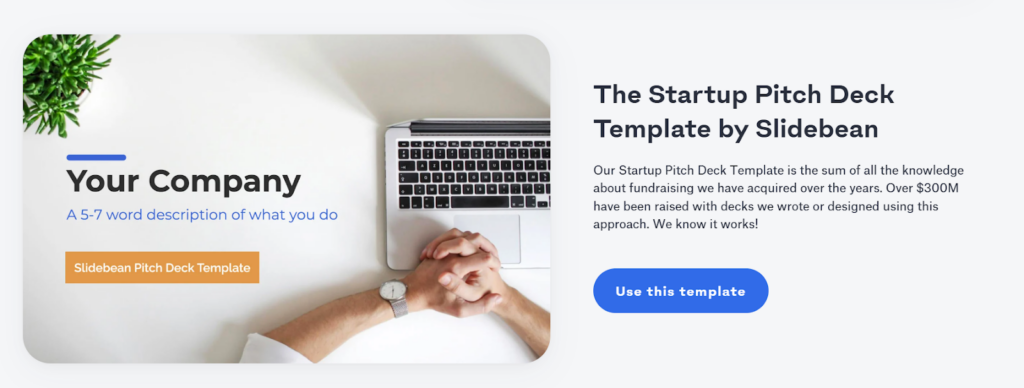
Slidebean is tailored for startups and entrepreneurs. It uses AI to transform your input into structured, investor-ready slides, automatically incorporating your brand assets for a consistent and professional look. Slidebean can also tailor your pitch deck to your company’s current stage and industry, ensuring relevance for your target investors. It also offers financial modeling and consulting services to improve your pitch strategy.
Key Features:
– AI-powered slide creation from business content
– Pitch deck templates optimized for fundraising
– Automatically incorporates brand assets for cohesive branding
– Tailors pitch decks to your company’s stage and industry
– Financial modeling tools for forecasts and projections
– Access to expert pitch coaching services
– Ability to connect with industry experts or mentors for feedback
Pros:
– Professional-grade templates and layouts
– Easy slide creation with AI assistance
– Extra tools like startup valuations and funding tips
– Connect with industry experts or mentors for valuable insights
Cons:
– Advanced features require a paid subscription
– Limited design flexibility for creative customization
Best for: Investor-focused, startup-ready decks with financial insight.
2. Beautiful.ai
Overview:
Beautiful.ai is a presentation tool focused on smart slide design. Its AI-driven platform ensures your slides look clean, cohesive, and professional without manual tweaking. It’s ideal for users who want great visuals with minimal effort, achieving a designer-level look even without professional design skills.

Key Features:
– Smart templates tailored for business presentations
– Real-time design automation and layout optimization for a designer-quality finish
– Easy integration of high-quality images, icons, and graphics
– Data visualization tools (charts, diagrams, etc.)
– Brand customization (colors, logos, fonts)
– Real-time collaboration with the ability for team members to leave comments and provide feedback
Pros:
– Easy-to-use interface with automated slide design
– Ensures visual consistency across all slides
– Speeds up the design process significantly
– Enables collaborative editing where users can leave comments for smoother teamwork
Cons:
– Content writing capabilities are limited
– Customization options can feel restrictive for complex needs
Best for: Creating polished, professional decks with strong visual appeal
3. Tome
Overview:
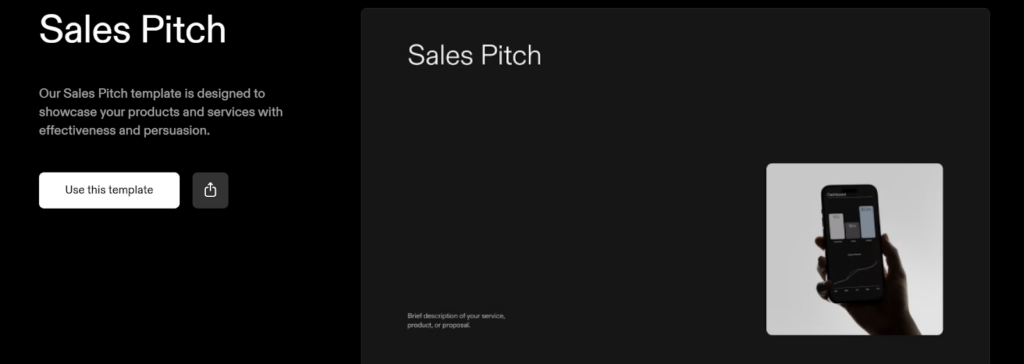
Tome is an AI storytelling tool that combines design and content generation. Built on GPT technology, it helps users create visually appealing, narrative-driven presentations. It’s perfect for users who want their pitch to feel like a compelling story, and provides inspiration through storytelling templates and real-world examples.
Key Features:
– AI-generated text content based on prompts
– Drag-and-drop slide editor
– Support for multimedia content (videos, GIFs, embeds), including video integration for embedding or recording video pitches
– Web-based sharing and collaboration features with the ability to track changes and collaboration history
Pros:
– Strong focus on storytelling and structure
– Quick content generation using AI
– Clean, modern design elements
– Offers inspiration with templates and examples
– Enables users to track collaboration and document changes
Cons:
– May require manual editing for technical content
– Limited control over advanced slide formatting
Best for: Story-focused pitch decks with rich visual and media integration
4. Gamma
Overview:
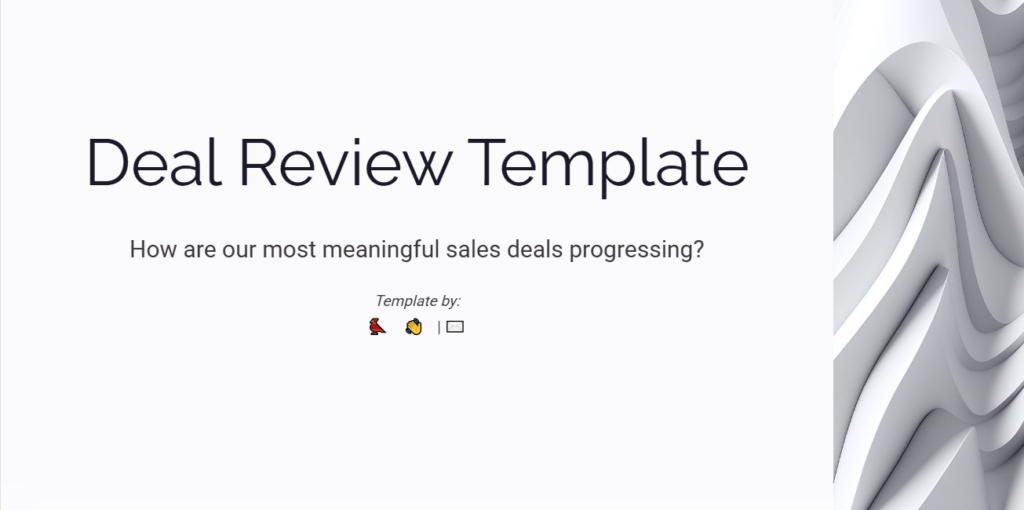
Gamma is a modern presentation platform designed for interactive and web-based decks. It uses AI to generate slide content and layout suggestions while keeping the design sleek and minimal. It’s ideal for those who want quick results with a fresh, digital feel.
Key Features:
– AI slide generation from outlines or prompts
– Connect content from different sources for seamless presentation building
– Integration of brand assets for consistent branding across all slides
– Interactive slide components and transitions
– Responsive design for desktop and mobile
– Easy online sharing and collaboration
– Track audience engagement and feedback in real time
Pros:
– Fast slide creation with clean visuals
– Web-based presentations feel dynamic and fresh
– Supports interactivity for audience engagement
Cons:
– Still maturing — some features in development
– Export options can be limited compared to traditional formats
Best for: Digital-first pitch decks with a modern, interactive experience
5. Canva Magic Presentation
Overview:
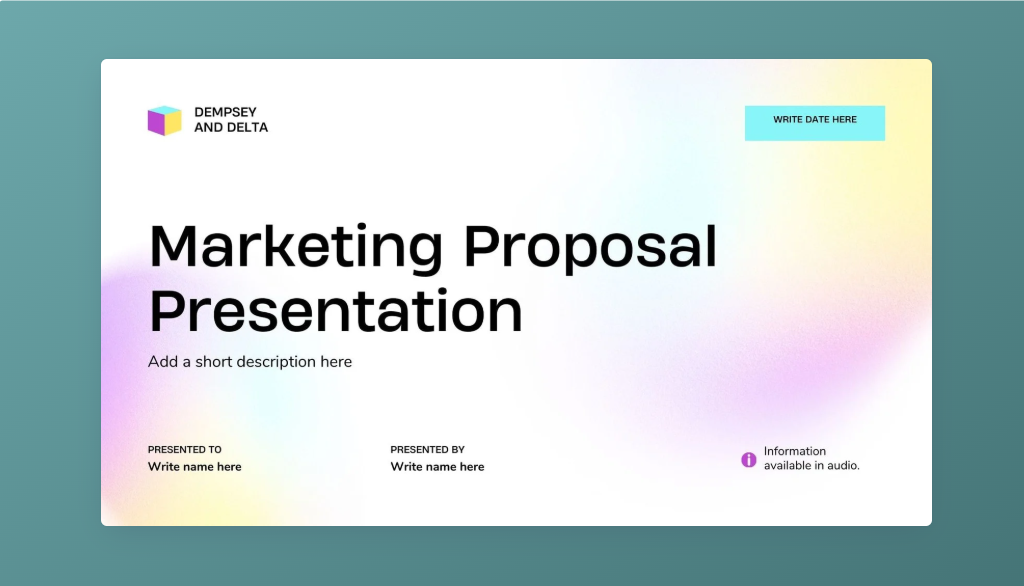
Canva’s Magic Presentation feature brings AI into its popular design platform. It helps users quickly generate slide content and match it with professional templates, making it a versatile option for both beginners and experienced creators.
Key Features:
– Magic Write: AI-powered content generation
– Massive template library and visual assets
– Access to a vast library of professional-quality images, icons, and graphics
– Automatically incorporates brand assets to ensure consistent branding
– Simple drag-and-drop editor
– Brand kit integration and team collaboration tools, including the ability to leave comments for real-time feedback
Pros:
– Easy to learn and use
– Wide range of customizable design elements and images
– Supports collaborative editing, branding, and the option to leave comments
Cons:
– Not tailored specifically for pitch decks
– AI content may need refinement for business accuracy
Best for: Beautiful, collaborative decks with creative visual design.
6. Wonderslide
Overview:
Wonderslide is an AI-powered presentation design tool that automatically transforms plain slides into visually stunning, professional-looking presentations.
It’s designed to save time on formatting and layout while ensuring every slide looks polished and consistent. Users simply upload their draft content, and Wonderslide’s AI handles the visual enhancement, utilizing brand assets and professional-quality images for a cohesive, branded look.

Key Features:
– Automatic slide beautification based on content
– AI-powered design templates and layouts
– Brand customization options (colors, fonts, logos) and use of brand assets for consistent branding
– Enhances slides with professional-quality images and icons
– Support for PowerPoint files (upload and export)
– Easy-to-use interface with a minimal learning curve
Pros:
– Great time-saver for slide design and formatting
– Delivers designer-level results without the need for professional design skills
– Produces clean, elegant visuals without manual editing
– Seamlessly integrates with traditional formats like PowerPoint
– Maintains brand consistency across slides
Cons:
– Less control for users who want highly customized designs from scratch
– Requires pre-written content to work effectively
Best for: Professionals who want to transform plain slides into a visually impressive pitch quickly, while keeping the content intact.
Supporting Documents to Strengthen Your Pitch Deck
A great pitch deck is just the beginning — savvy founders know that supporting documents can make all the difference when it comes to impressing investors and moving your business forward. These materials provide deeper insights into your company, business model, and market opportunity, helping you stand out in a competitive funding round.
Key supporting documents include:
- White Paper: This in-depth document dives into your business model, market size, and growth potential. A white paper is perfect for investors who want to see the research and strategic thinking behind your solution. It explains your company’s vision, the problem you’re solving, and the data that backs up your plan. Including a white paper with your pitch deck shows you’ve done your homework and are ready to scale.
- One Pager: Sometimes, less is more. A one pager is a concise summary of your pitch — ideal for busy investors who want a quick overview of your company, solution, and market opportunity. It highlights your value proposition, business model, and key metrics, all on a single page. Use a one pager to spark interest and open the door for deeper conversations.
- Business Plan: While your pitch deck tells a compelling story, a business plan lays out the details. This document covers your strategic plans, financial projections, and go-to-market strategy. It’s essential for investors who want to dig into the numbers and understand how you’ll execute your vision.
Pro tip: Always have these documents ready to share alongside your pitch deck. They demonstrate professionalism, provide clarity, and give investors the confidence they need to back your business. Whether you’re presenting in the boardroom or sending materials via email, supporting documents help you deliver a complete, convincing pitch that leaves a lasting impression.
Conclusion
In a world where first impressions count, your pitch deck can be a powerful tool to open doors. With the help of AI-powered platforms, you no longer need to worry about design details or struggle with blank slides.
Whether you need sleek visuals, compelling storytelling, or quick content generation, there’s an AI tool to match your style. Explore them, experiment, and choose the one that aligns best with your goals.
When your message matters, your pitch deck should rise to the occasion — and now, AI can help you get there faster and smarter.
Build your next deck in Wonderslide
Try it on your own deck. Upload a PDF, DOCX or PPTX and get a designed presentation in a few minutes. Free plan, no card required.